

CAM Assist for Autodesk Fusion
5 lessons-
1

How to add tools in CAM Assist for Fusion
Add your cutting tools so CAM Assist only programs with tools you own.
-
2

Setting up your Part
Choose the body, stock and setup so CAM Assist can read your part.
-
3

Understanding the Assess Phase
Find and fix part issues before CAM Assist plans any toolpaths.
-
4

Understanding the Prepare Phase
Pick setups and strategies, then generate your toolpaths.
-
5

Understanding the Analyze Phase
Review toolpaths, cycle time and cutting parameters before you post.

CAM Assist for Siemens NX
4 lessons-
1

Understanding the Interface
Find your way around the CAM Assist panel inside Siemens NX.
-
2
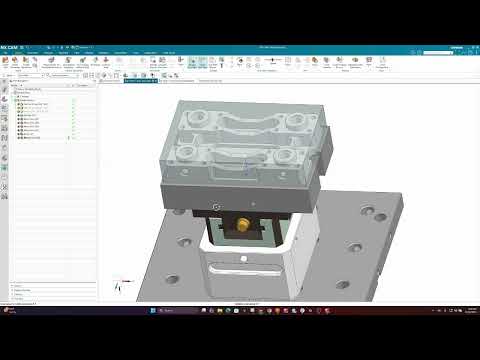
Setting up your Part
Choose the body, stock and setup so CAM Assist can read your part.
-
3

The Assess Phase
Find and fix part issues before CAM Assist plans any toolpaths.
-
4

The Prepare Phase
Pick setups and strategies, then generate your toolpaths.